
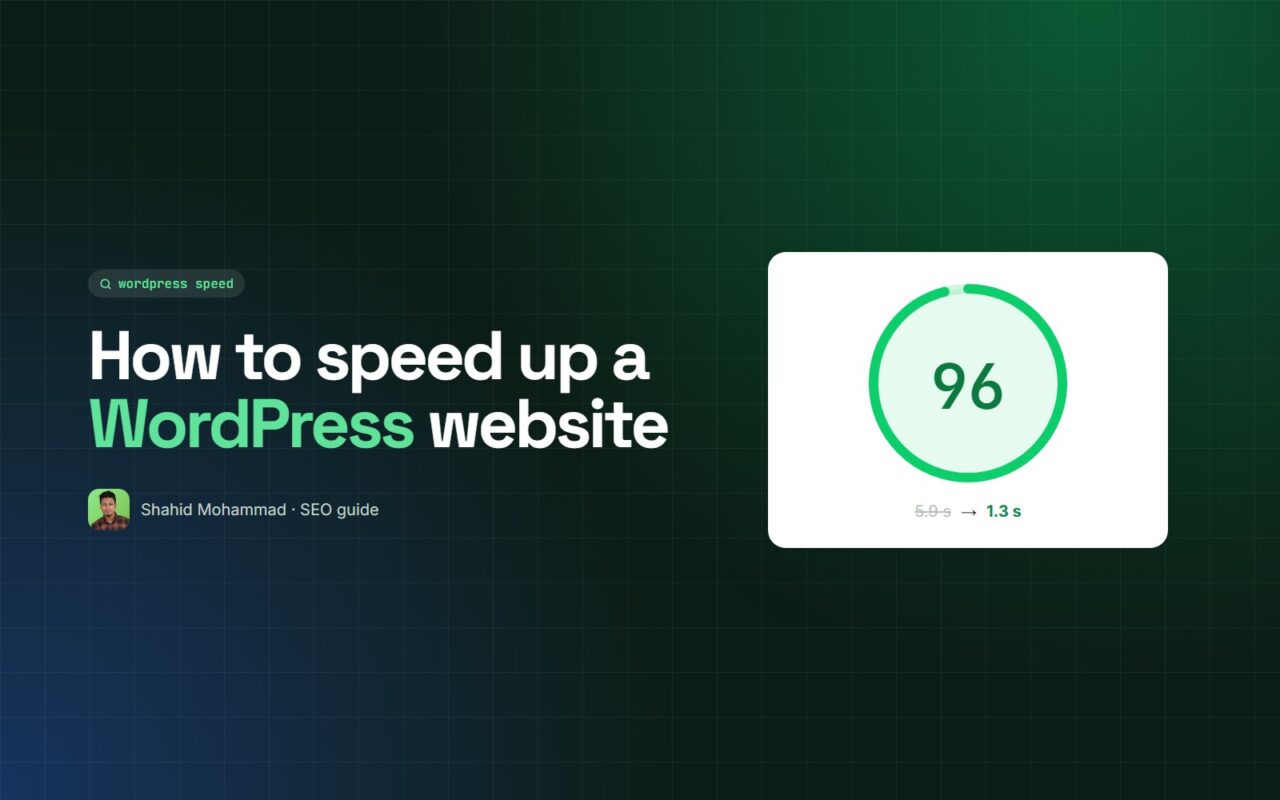
Website speed is not a single tweak — it is a system. Hosting, theme, plugins, images and code all add up. Fix them in the right order and most sites can load in under two seconds.
The checklist
- Measure first: PageSpeed Insights and GTmetrix on your most important pages
- Choose decent hosting — cheap shared hosting is often the biggest bottleneck
- Use a lightweight theme and remove plugins you do not need
- Compress and resize images, and serve them in WebP
- Turn on page caching and browser caching
- Minify and defer CSS and JavaScript
- Clean up the database (revisions, spam, transients)
- Use a CDN for visitors far from your server
Re-test after every change. Speed work is about steady, measurable gains — not one magic setting.

Written by
admin